
Introduction
Your Shopify theme does far more than determine how your store looks.
It influences how visitors interact with your products, how easily they navigate your website, how much they trust your brand, and ultimately whether they decide to buy from you.
Many store owners spend weeks choosing products and running marketing campaigns but pay very little attention to their theme selection and store design.
The reality is that even excellent products can struggle to sell if the shopping experience is poor.
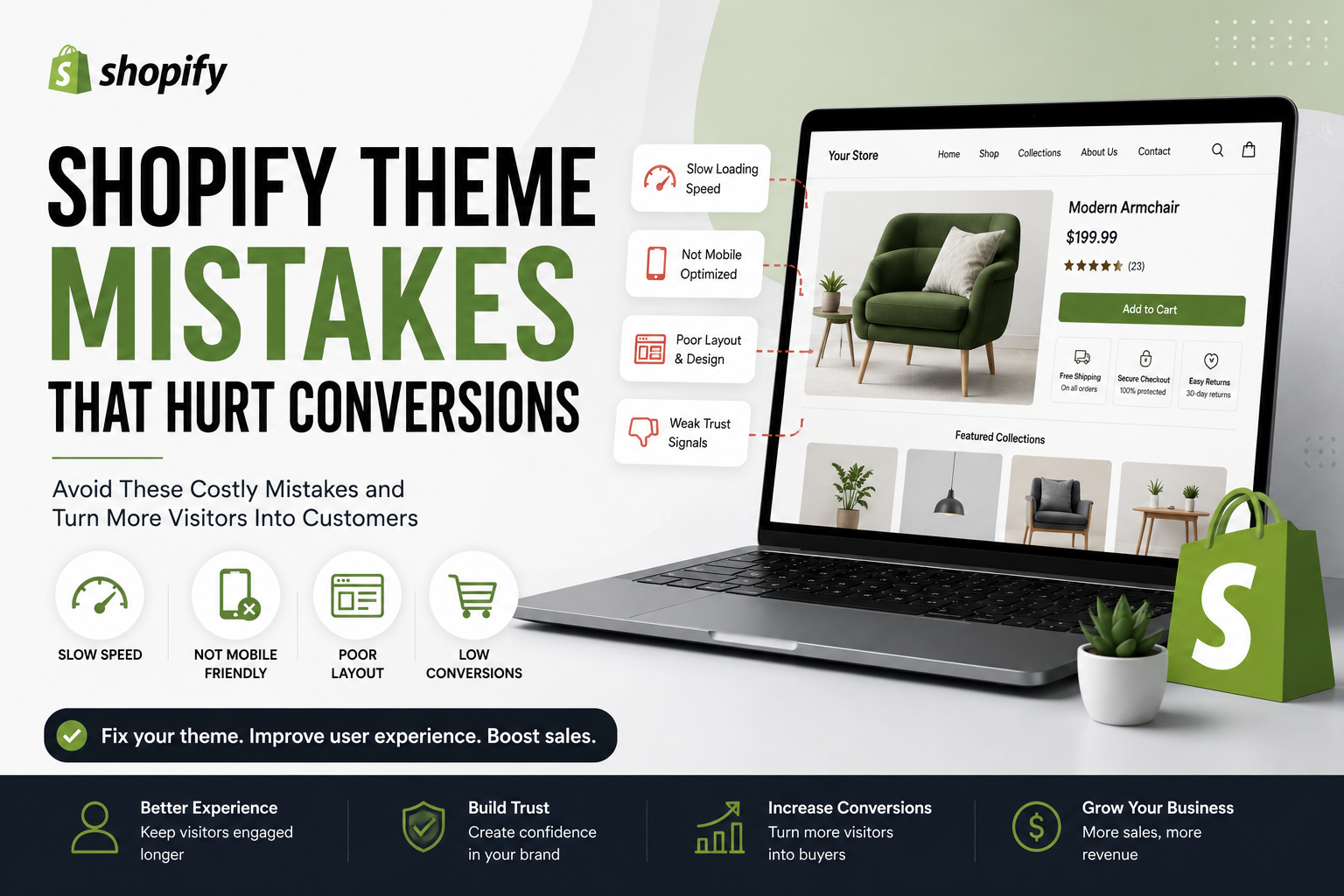
This is why understanding common shopify theme mistakes is so important.
A professional Shopify theme should help visitors move smoothly through the customer journey. When your theme creates confusion, frustration, or doubt, conversions suffer.
In this guide, you’ll learn the most common shopify theme mistakes, why they hurt conversions, and how to create a better shopping experience for your customers.
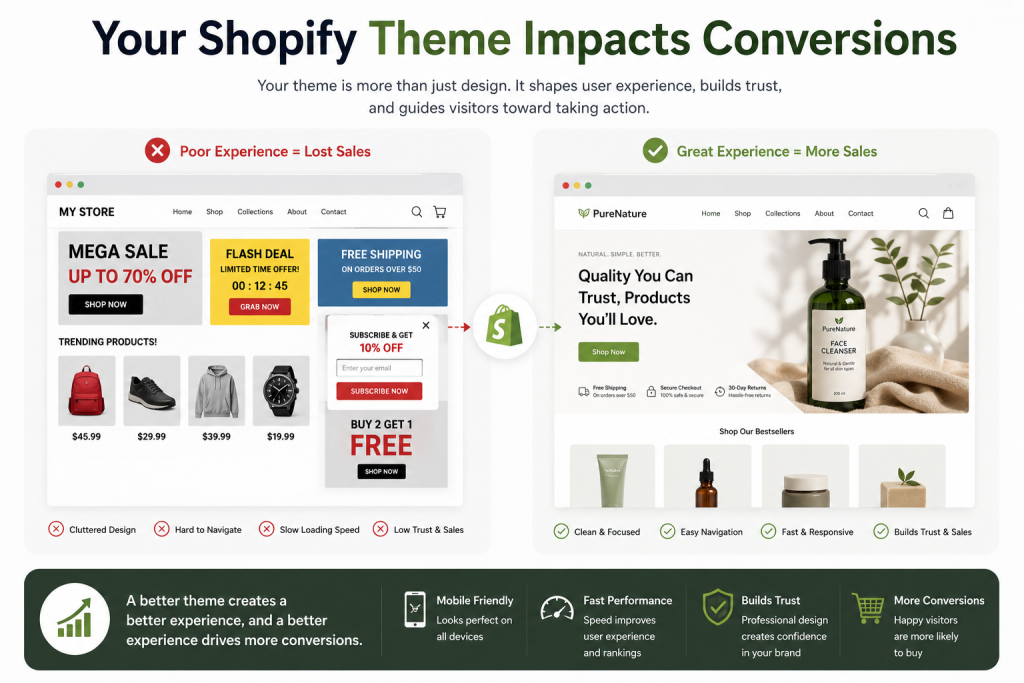
Why Your Shopify Theme Impacts Conversions
Many people believe a Shopify theme is simply about appearance.
In reality, your theme affects:
- User experience
- Mobile performance
- Site speed
- Navigation
- Product presentation
- Customer trust
A well-designed theme encourages visitors to explore your store.
A poorly configured theme can cause potential customers to leave before they even view your products.
This is why successful ecommerce brands treat their themes as a business asset rather than a design choice.
Mistake #1: Choosing a Theme Based Only on Appearance
One of the biggest shopify theme mistakes is selecting a theme simply because it looks attractive.
Many beginners choose themes with:
- Fancy animations
- Complex effects
- Stylish graphics
While these elements may look impressive, they do not always improve conversions.
A beautiful theme that confuses customers will often perform worse than a simple theme that provides a smooth shopping experience.
When evaluating themes, focus on:
- Usability
- Speed
- Mobile performance
- Product presentation
rather than appearance alone.
Mistake #2: Ignoring Mobile Optimization
Mobile traffic now dominates ecommerce.
Many customers browse and shop using smartphones.
Unfortunately, one of the most common shopify theme mistakes is testing a store only on desktop devices.
Your store may look perfect on a computer but frustrating on a phone.
Common mobile problems include:
- Tiny text
- Poor spacing
- Difficult navigation
- Slow loading pages
- Hard-to-click buttons
A theme that performs poorly on mobile can significantly reduce conversions.
Always test your store on multiple devices before launching.
Mistake #3: Using Too Many Design Elements
Another major shopify theme mistakes issue is clutter.
Some store owners add:
- Multiple banners
- Excessive popups
- Too many homepage sections
- Auto-playing videos
- Animated elements everywhere
Instead of creating excitement, these elements often create distraction.
Professional ecommerce stores usually follow a simple principle:
Keep the focus on the products.
Clean design often converts better than complicated design.
Mistake #4: Choosing a Slow Theme
Speed affects every aspect of ecommerce.
Slow websites frustrate visitors and reduce trust.
One of the most expensive shopify theme mistakes is choosing a theme that sacrifices performance for visual effects.
Customers expect websites to load quickly.
Even small delays can increase abandonment rates.
To improve performance:
- Use optimized images
- Avoid unnecessary apps
- Choose lightweight themes
- Minimize excessive animations
Fast stores generally provide better user experiences.
Mistake #5: Poor Navigation Structure
Visitors should be able to find products quickly.
If customers struggle to navigate your store, they may leave.
Poor navigation remains one of the most overlooked shopify theme mistakes.
Examples include:
- Confusing menus
- Too many categories
- Poor collection structure
- Hidden navigation elements
Good navigation should feel effortless.
Customers should never have to guess where to click next.
Mistake #6: Weak Product Page Design
Product pages are where purchasing decisions happen.
Unfortunately, many shopify theme mistakes appear on product pages.
Examples include:
- Small product images
- Poor descriptions
- Missing trust signals
- Weak call-to-action buttons
Every product page should answer important customer questions and build confidence.
The goal is to make purchasing easy.
Mistake #7: Inconsistent Branding
Brand consistency matters.
Many Shopify stores use:
- Random colors
- Different font styles
- Inconsistent image quality
These inconsistencies create a less professional appearance.
One of the easiest ways to avoid shopify theme mistakes is maintaining a consistent visual identity throughout your store.
Consistency improves:
- Trust
- Recognition
- Customer confidence
Mistake #8: Not Using Trust Signals
Trust influences buying decisions.
Customers want reassurance before making purchases.
Common trust signals include:
- Customer reviews
- Secure checkout badges
- Contact information
- Refund policies
- Shipping information
Ignoring trust-building elements is one of the most costly shopify theme mistakes because it directly affects conversions.
Mistake #9: Overloading the Homepage
Many beginners believe they must display everything on the homepage.
This creates information overload.
A cluttered homepage often confuses visitors.
Instead, focus on:
- Clear messaging
- Featured products
- Easy navigation
- Strong branding
The homepage should guide visitors, not overwhelm them.
Mistake #10: Failing to Test the Customer Journey
One of the most important shopify theme mistakes is failing to experience your store as a customer.
Store owners become familiar with their own websites.
Customers see the store for the first time.
Regularly test:
- Homepage
- Product pages
- Collections
- Cart
- Checkout process
Identify friction points and improve them.
Small improvements can lead to meaningful increases in conversion rates.
How to Avoid Shopify Theme Mistakes
The best Shopify stores focus on simplicity.
Instead of chasing trends, prioritize:
User Experience
Make navigation simple and intuitive.
Speed
Ensure pages load quickly.
Mobile Performance
Optimize every page for smartphones.
Trust
Add reviews, policies, and clear contact information.
Branding
Maintain a consistent and professional appearance.
These improvements help create a shopping experience that encourages customers to buy.
Related Guide
👉 Why Customers Leave Shopify Stores Without Buying
External Resources
👉 Learn more about Shopify themes through the official Shopify Theme Store.
👉 Explore Shopify design best practices on Shopify’s official website.
👉 Test your website performance using Google PageSpeed Insights.
Final Thoughts
Your Shopify theme plays a critical role in your store’s success.
Many ecommerce businesses lose sales because of avoidable shopify theme mistakes that create friction, confusion, and frustration for customers.
By focusing on:
- Better navigation
- Faster loading speeds
- Mobile optimization
- Strong branding
- Clear product presentation
you can create a better shopping experience and improve conversions over time.
The most successful Shopify stores are not always the most complex.
They are often the stores that make shopping simple, trustworthy, and enjoyable.
Nice perspective on the topic.
Great article, thanks for sharing!
Clear and useful tips here.